Tools and Software That Make Running an Art Business Easier
Let’s be honest: being an artist isn’t just about creating beautiful work—it’s about running a business. From managing sales to promoting online, organizing files to staying on top of admin, it can get overwhelming fast. The good news? There are powerful (and often affordable) tools that make the business side of art way easier. Whether you're just starting out or leveling up your practice, here are my top tools and software picks for streamlining your creative career.
Your website is your online studio and gallery. It should showcase your art beautifully and make it easy to buy from you.
System. io– Elegant templates, built-in e-commerce, and artist-friendly design.
Design Tools for Artists
You don’t need to be a graphic designer to make beautiful marketing materials.
Try:
· Canva – Create social media posts, flyers, art labels, and more with ease.
· Adobe Express – Quick, polished visuals with more branding tools.
· Procreate – For digital drawing on iPad (many artists use this for both art and content creation).
· Adobe Photoshop/Illustrator – Industry standards for advanced image editing and design.
Email Marketing Platforms
Building a list of art lovers? Email is powerful—and these platforms make it easy to stay connected and make sales.
Top Options:
· MailerLite – User-friendly, free up to 1,000 subscribers, great automation tools.
· Flodesk – Gorgeous templates, flat pricing, artist-friendly design.
· ConvertKit – Built for creators, with flexible tagging and product tools.
Social Media Scheduling + Management
Consistency is key to growth—but that doesn’t mean you have to post manually every day.
Use these:
· Later – Visual planner, great for Instagram-heavy strategies.
· Buffer – Simple to use across multiple platforms.
· Planoly – Built for visual brands, lets you plan posts and stories.
· Meta Business Suite – Free scheduling for Facebook and Instagram.
Inventory & Artwork Tracking
Keeping track of your artworks, editions, and what’s sold or exhibited is essential.
Try:
· Artwork Archive – A professional tool for inventory, sales tracking, consignment reports, and even a public portfolio.
· Art Galleria – Advanced inventory for galleries or large collections.
· Airtable or Notion – DIY systems for organizing your studio, contacts, and artwork data.
Accounting and Invoicing Tools
Stay on top of your finances, taxes, and invoices like a pro—even if math isn’t your thing.
Best Tools:
· Wave – Free invoicing and accounting, great for small creative businesses.
· QuickBooks Self-Employed – Auto-tracks expenses and mileage, great for tax time.
· HoneyBook or Bonsai – For artists offering commissions or services (contracts, scheduling, and payment all-in-one).
Photo & Mockup Tools
Good photos sell your art—here’s how to make yours shine.
Tools to use:
· Snapseed (mobile) – Easy photo editing for artwork.
· Adobe Lightroom – Powerful editing and color correction.
· Smartmockups – Put your art on a wall, mug, or frame with realistic mockups.
Creative Project Planning
Running a creative business means juggling lots of moving parts. These tools help you stay organized without the stress.
Recommended:
· Notion – All-in-one workspace for content planning, to-do lists, and client tracking.
· Trello – Visual boards to track projects and launches.
· Asana – Great for task and deadline management.
Video + Content Creation Tools
Want to create reels, art process videos, or teach online?
Use these:
· CapCut or InShot – Mobile-friendly video editing.
· Descript – Video editing with text, great for tutorials.
· OBS Studio – Free screen recording and livestreaming software.
· Zoom – For live workshops, classes, or studio visits.
Bonus: Tools I Recommend Starting With (If You’re Overwhelmed)
Start with these basics:
· Website: Squarespace or Wix
· Email marketing: MailerLite
· Inventory: Artwork Archive or a Notion template
· Design: Canva
· Scheduling posts: Later
Build from there. Let your systems grow as your business does. You don’t need every tool—but the right ones will save you time, reduce overwhelm, and help you spend more energy on creating. Think of these tools as your digital assistants—quietly working in the background while you focus on what you do best: making art.
What tools are you using? Let me know in the comments or DM me on Instagram—I’d love to cheer you on.
Whether you’re just starting out or already thriving as an artist, there’s always more to explore and learn. Visit my Resources Page for exclusive free and paid courses, powerful creative tools, and inspiring art business resources — all designed to help you grow, create, and succeed.
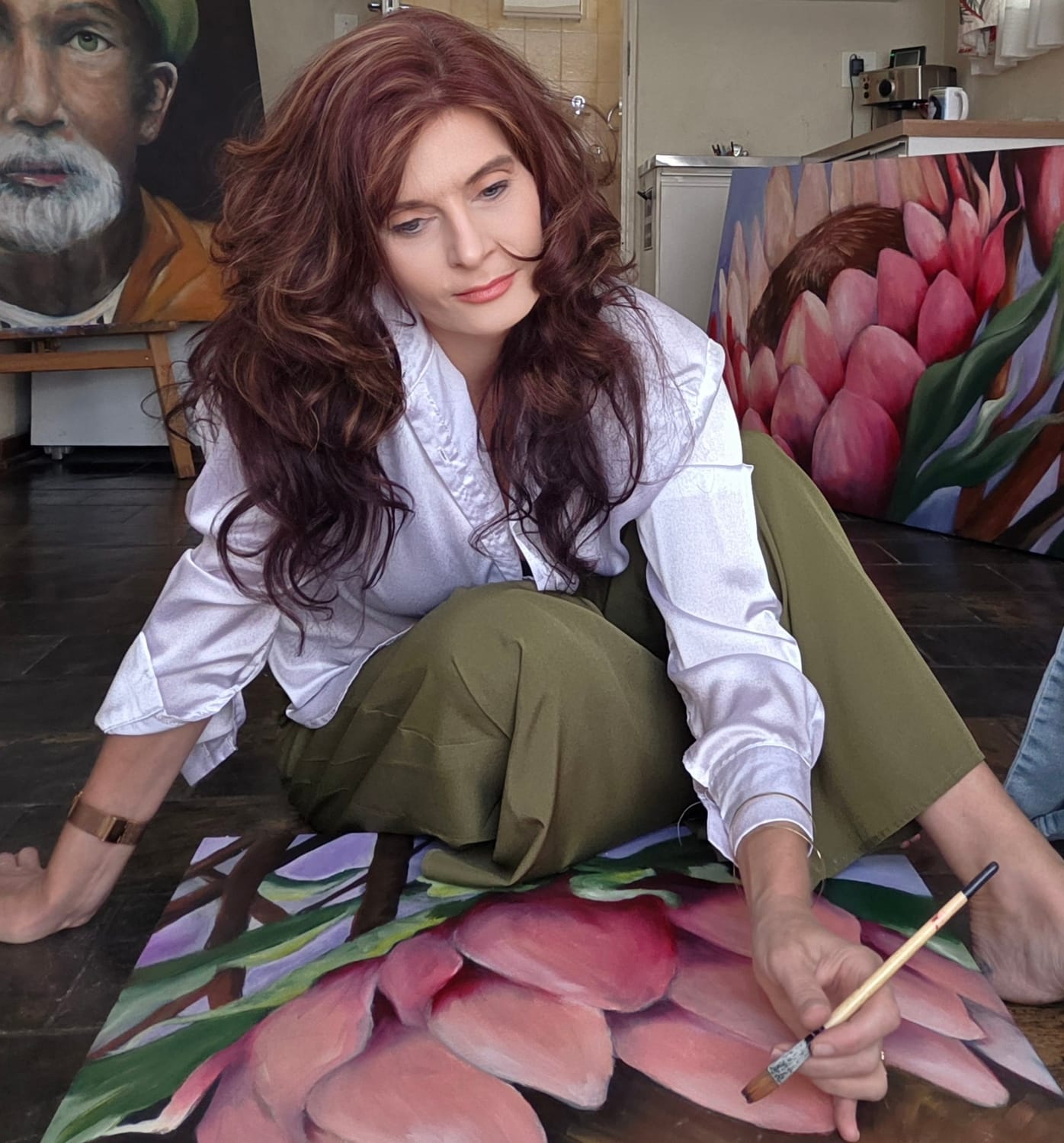
Hi, I’M Cornelia
Step into my studio of original oil paintings, where color, texture, and story meet. Browse the latest works, discover limited prints, and join my list for early-access releases and behind-the-canvas notes.

Subscribe here to receive my Newsletters !
We HATE spam. Your email address is 100% secure
About me
For Artists
General
For clients